
Choosing the Right Printer for a Small Office

Start With What You Actually Print
Before you look at a single specification sheet, spend five minutes thinking about what your office actually prints. Most small businesses overestimate how much they print in colour and underestimate how much they print in black and white. A typical office might churn out invoices, delivery notes, packing slips and the occasional contract, all of which are perfectly fine in monochrome. Colour only really matters if you produce marketing materials, design proofs or customer-facing documents that need to look polished.
Ask yourself a few honest questions:
- How many pages do you print in an average week, and how does that change at your busiest time of year?
- Do you need colour at all, or just for a small percentage of jobs?
- Do you print on both sides of the paper, or would you like to?
- Do you need to scan, copy or fax, or is printing alone enough?
- Does anyone need to print from a phone, tablet or laptop without cables?
Write the answers down. They will rule out half the models on the shelf before you even start comparing prices.
The Real Cost Is the Ink, Not the Printer
This is where most small offices lose money. A printer that costs £60 and drinks £40 of ink every two months is far more expensive than a £200 model that runs on £25 of ink over the same period. Manufacturers know that buyers focus on the purchase price, so they price the hardware keenly and make their margin on consumables.
The figure you want is the cost per page. You can work it out roughly by dividing the price of a cartridge by its quoted yield. A black cartridge costing £30 with a yield of 1,000 pages works out at about 3p per page. The same cartridge with a yield of 300 pages is 10p per page. Over 5,000 pages a year, that difference is £350 — enough to pay for a much better printer several times over.
Watch out for a few common traps:
- Starter cartridges. Many new printers ship with half-empty cartridges, so your first ink bill arrives sooner than you expect.
- High-yield versions. The same cartridge in a larger size usually costs more upfront but far less per page. If you print regularly, always buy high-yield.
- Tank printers. Refillable ink tank models cost more to buy but can bring colour printing down to under a penny a page. They suit offices printing hundreds of pages a month.
- Colour used for black text. Some inkjets mix colour ink to produce black, which drains all your cartridges at once. Check whether the model has a dedicated black cartridge.
Laser or Inkjet for a Working Office?
As a rough rule, laser printers suit offices that print text documents in volume. They are fast, the toner does not dry out if the printer sits idle for a fortnight, and the output is crisp and smudge-free. The trade-off is a higher purchase price and, generally, weaker photo printing.
Inkjets make sense if you print colour regularly, need photographic quality, or print in low volumes where the low entry price matters more than running costs. The catch is that inkjet ink dries out and clogs if the machine is left unused for weeks, which is a genuine problem for a printer that only wakes up once a month.
For a small office printing a mix of invoices, letters and the occasional colour page, a colour laser or a business-grade inkjet with high-yield cartridges usually wins. For an office printing almost entirely in black and white, a mono laser is hard to beat on cost and reliability.
Speed, Duty Cycle and Paper Handling
Print speed is quoted in pages per minute, but the first page out matters more in a small office. A printer that takes 40 seconds to warm up before producing its first sheet feels slow even if the headline figure is impressive. Look for a first-page-out time under 15 seconds if people are queuing at the machine.
Duty cycle is the manufacturer's recommended maximum monthly volume. Ignore the peak figure and look at the recommended monthly volume instead — that is the number that reflects realistic use. Consistently printing at the top of a printer's range will wear it out early.
Paper handling is the unglamorous feature that causes the most daily irritation. Check the following:
- Paper tray capacity. A 50-sheet tray means constant refilling. A 250-sheet tray means once a week.
- Automatic duplex. Printing double-sided halves your paper costs and your filing space. It is worth paying for.
- Multipurpose feed. Useful for envelopes, labels and thicker card that will not survive the main tray.
- Output tray. Small trays fill quickly and pages end up on the floor.
Wireless, Networking and Security
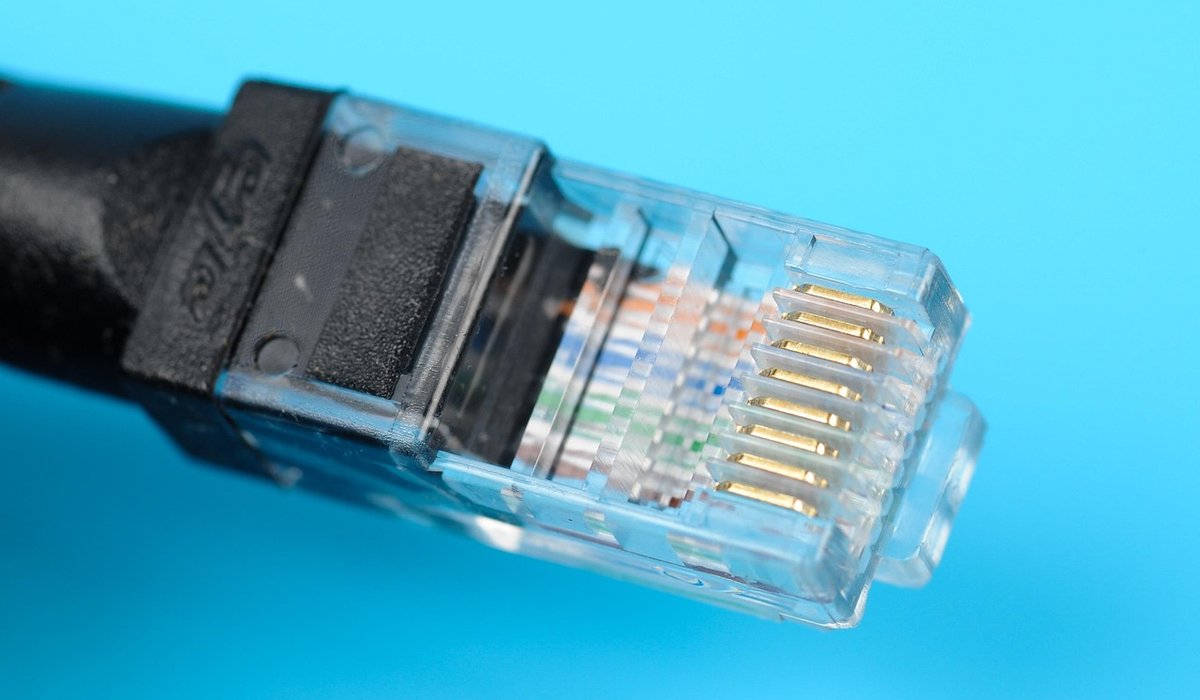
Wireless printing is convenient, but in a shared office a wired network connection is more reliable. If several people need to print, look for a model with an Ethernet port as well as Wi-Fi, so the printer can sit on the network rather than relying on one person's laptop being switched on.
Check that the printer supports the way your team actually works. AirPrint and Mopria cover most phones and tablets without any app installation. If you print from Windows and Mac machines, confirm drivers are available for both. Cloud printing services can be handy for remote staff, but they also mean documents leave your premises, so think about whether that suits your business.
Do not ignore security. A networked printer holds recent documents in its memory, and a machine with a default admin password is an open door. Change the default credentials on day one, switch off unused protocols, and enable secure printing if you handle payroll or client data.
Buying, Leasing or Just Outsourcing
If you print fewer than a couple of hundred pages a month, a modest inkjet or a mono laser plus a separate scanner is the sensible route. If you print thousands of pages, a managed print contract or a lease can spread the cost and include toner, servicing and replacements in one monthly figure — often better value than buying outright and paying for consumables as you go.
Whichever route you take, keep a simple log for the first three months. Record pages printed, cartridges replaced and any jams or faults. That real-world data will tell you far more about whether you chose well than any specification sheet ever will. And when it comes time to replace the machine, you will know exactly what to look for.

Joeby Ragpa
This template is so awesome. I didn’t expect so many features inside. E-commerce pages are very useful, you can launch your online store in few seconds. I will rate 5 stars.
ReplyAlexander Samokhin
This template is so awesome. I didn’t expect so many features inside. E-commerce pages are very useful, you can launch your online store in few seconds. I will rate 5 stars.
ReplyChris Root
This template is so awesome. I didn’t expect so many features inside. E-commerce pages are very useful, you can launch your online store in few seconds. I will rate 5 stars.
Reply